

.svg)
SOC 2 Type II compliant
GDPR-ready
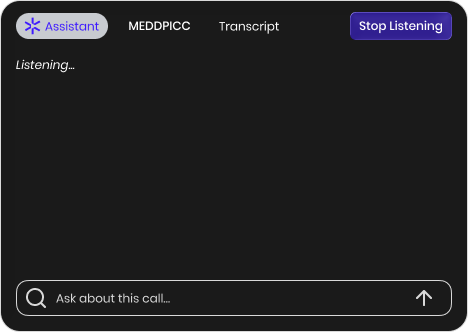
DeltaGen runs locally on your desktop. It connects silently during your Teams calls without appearing on the participant list—giving you an invisible edge without disrupting the meeting.
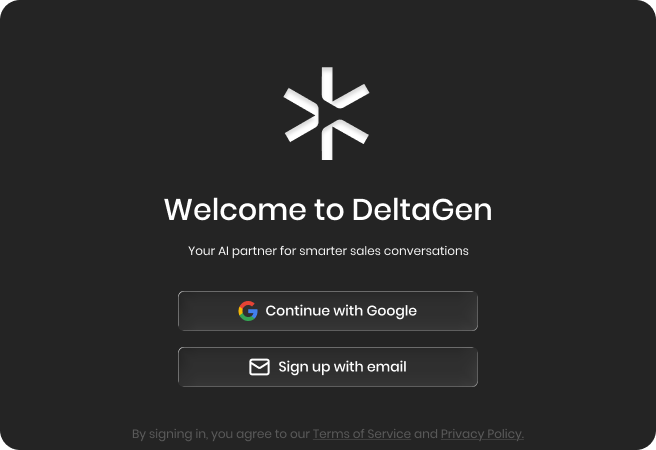
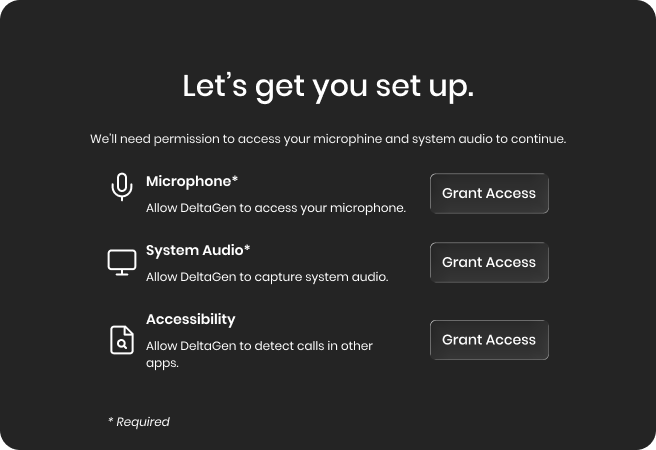
Complete this brief tour to unlock your download link.
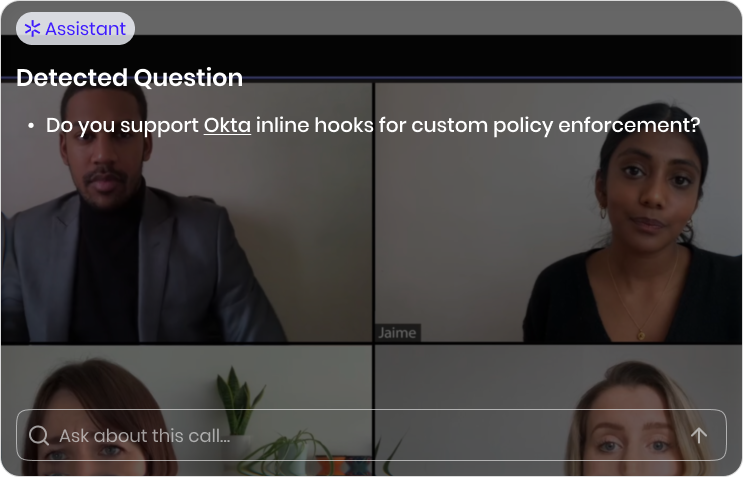
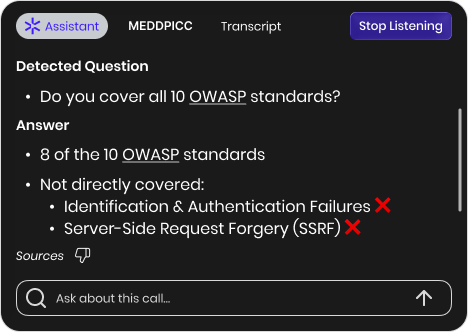
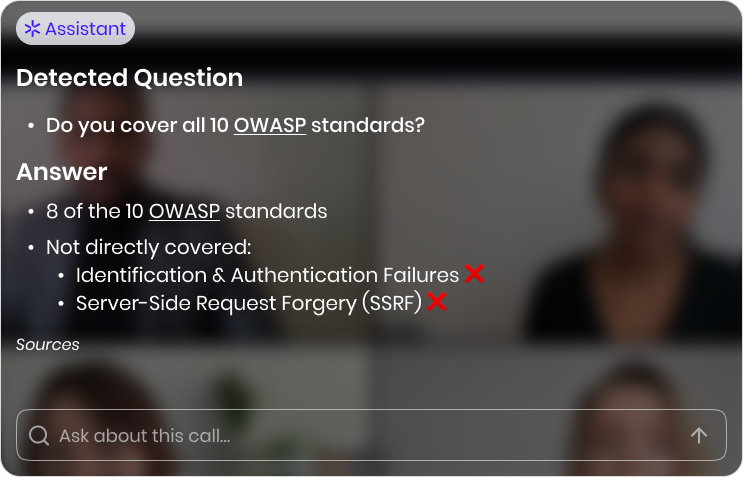
Never say "let me get back to you" again. DeltaGen detects technical questions and surfaces verified answers (<31s) from your documentation, so you can maintain credibility without dragging an SE onto the call.
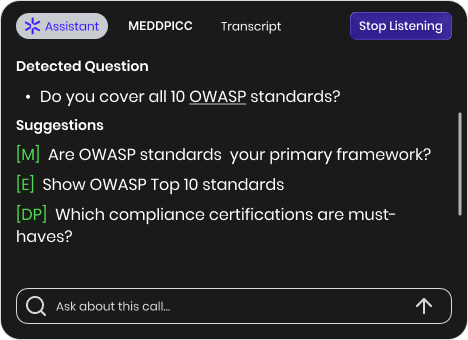
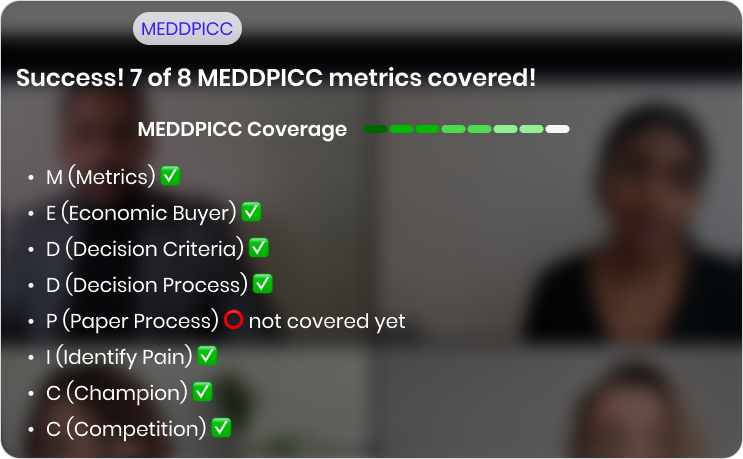
Don't get out-maneuvered. DeltaGen listens to context and prompts you with the Technical Decision Criteria questions you need to ask to trap the competition and lock down the win.
Cement your credibility. DeltaGen summarizes the technical Q&A into a draft that sounds like you: natural, precise, and accurate. It’s ready for your final review the moment you hang up.
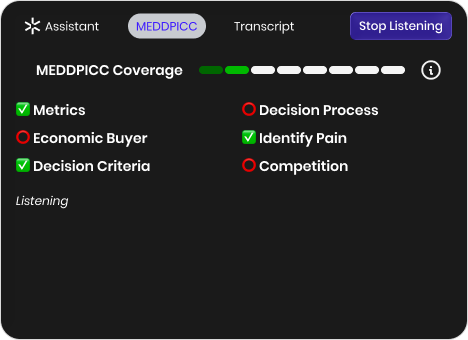
Capture the technical reality of the deal. Copy the MEDDPICC summary and technical requirements directly into Salesforce fields so you don't lose data between the call and the CRM.
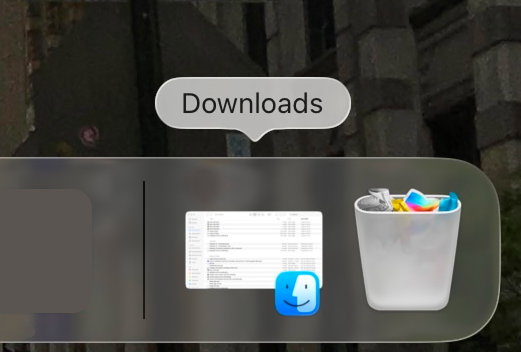
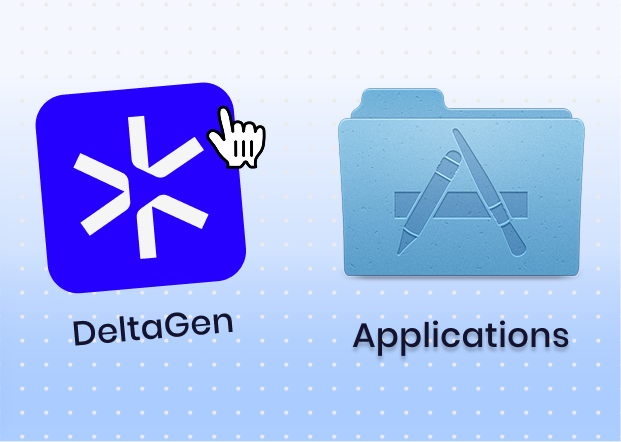
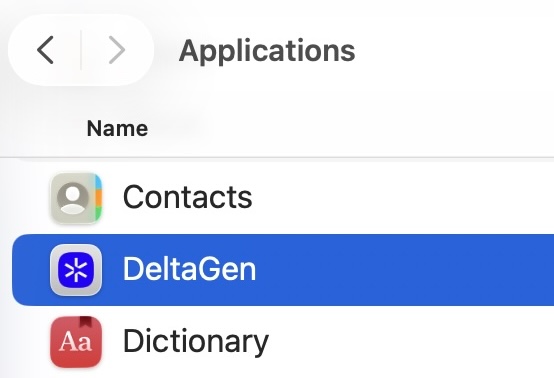
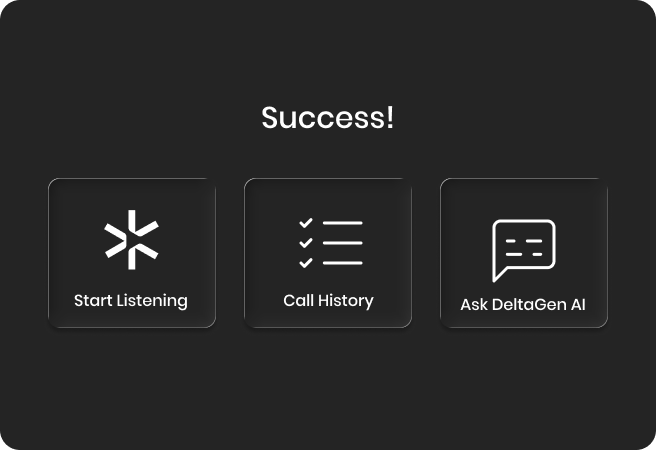
Your Virtual Sales Engineer is ready. Click below to download, then drag the DeltaGen app into your Applications Folder.
DeltaGen automatically detects a buyer question and responds within 3 seconds.
What do you do?
DeltaGen automatically detects a buyer question and responds within 3 seconds.
What do you do?
DeltaGen suggests how to move the conversation forward with MEDDPICC-based guidance.
Which sales methodology do you use?
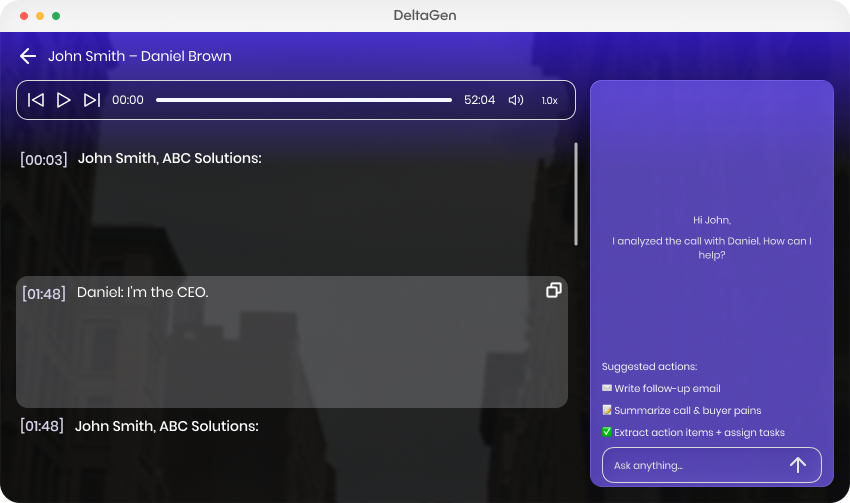
After the call, you can review the transcript, analyze insights, generate a follow-up email, and identify key moments.
What do you usually review after a sales call?
DeltaGen runs locally on your desktop. It connects silently during your Teams calls without appearing on the participant list—giving you an invisible edge without disrupting the meeting.
What other tools do you use during sales calls?








Tell us the basics and we’ll send over times.


.png)